Microsoft update coming to Classic Outlook users
December 19, 2025
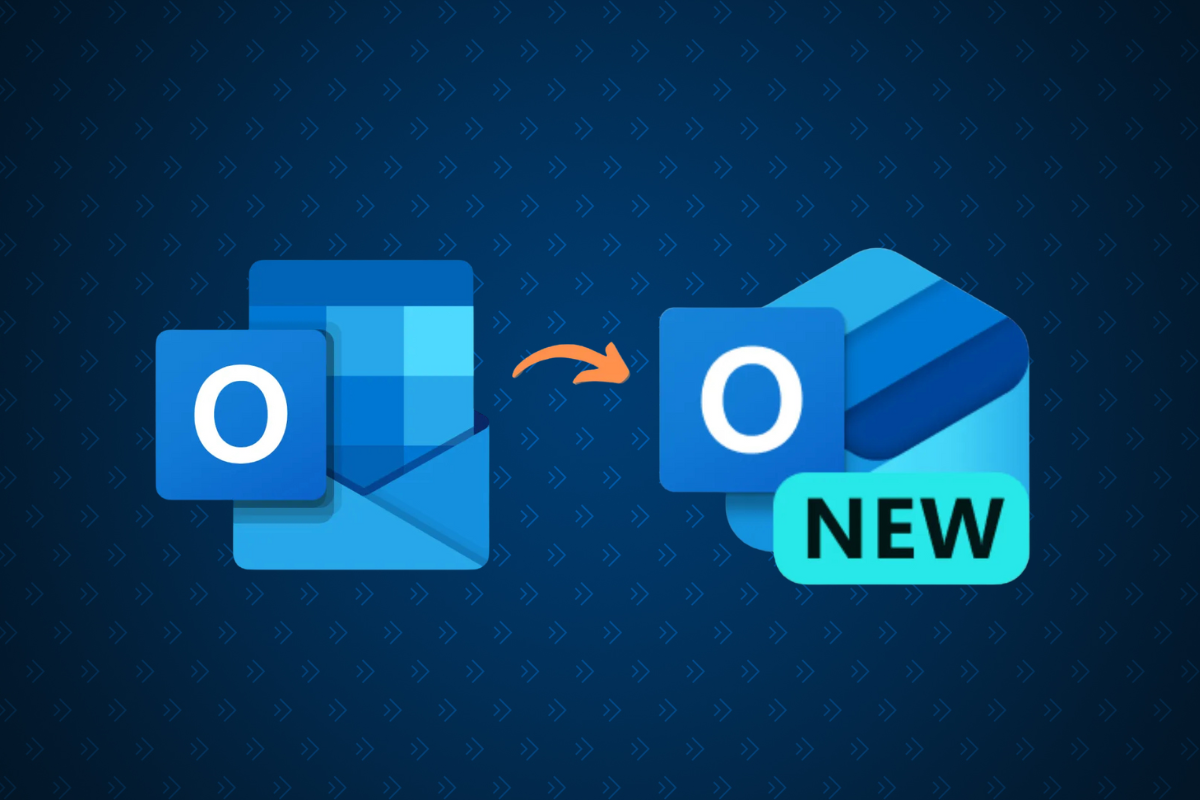
This change will only affect staff or faculty who are currently using Classic Outlook. If you are already using New Outlook, following the Exchange Online Migration in February 2025, this change will not affect you.
Microsoft has begun a staggered rollout of the newest version of Outlook to all users, as part of their move toward a more modern email system. This update will provide improved security, faster access to new features and better integration with other Microsoft tools.
As the rollout is staggered and random, Classic Outlook users may see a pop-up in Outlook prompting them to Switch to the new Outlook, at anytime in the next few weeks.
What you can do:
- If you’re not ready to switch yet you can choose to skip the update for now by selecting the X in the top-right hand corner. When you next start Outlook, if you notice that your Outlook has already updated, you can temporarily return to the Classic version by using the On/Off toggle on the right-hand side of Outlook.
- If you’d like to explore the New Outlook early, you can complete the update by selecting Switch now or following the steps above, to return to the Classic version.
Note: In the coming years, Microsoft will permanently transition all users to the New Outlook and remove the On/Off toggle. To help ensure a smooth transition, we recommend trying the New Outlook early so you can adjust at your own pace.
If you have any questions, please contact the Service Desk.
Contact information:
itservices@ontariotechu.ca
Have questions about this post? Feel free to reach out to the contact listed above — they’ll be happy to help!